

FREE SHIPPING on purchases over 50 €
*Valid for consumables
Firmware updates from manufacturers: how they affect compatible consumables
26/12/2025
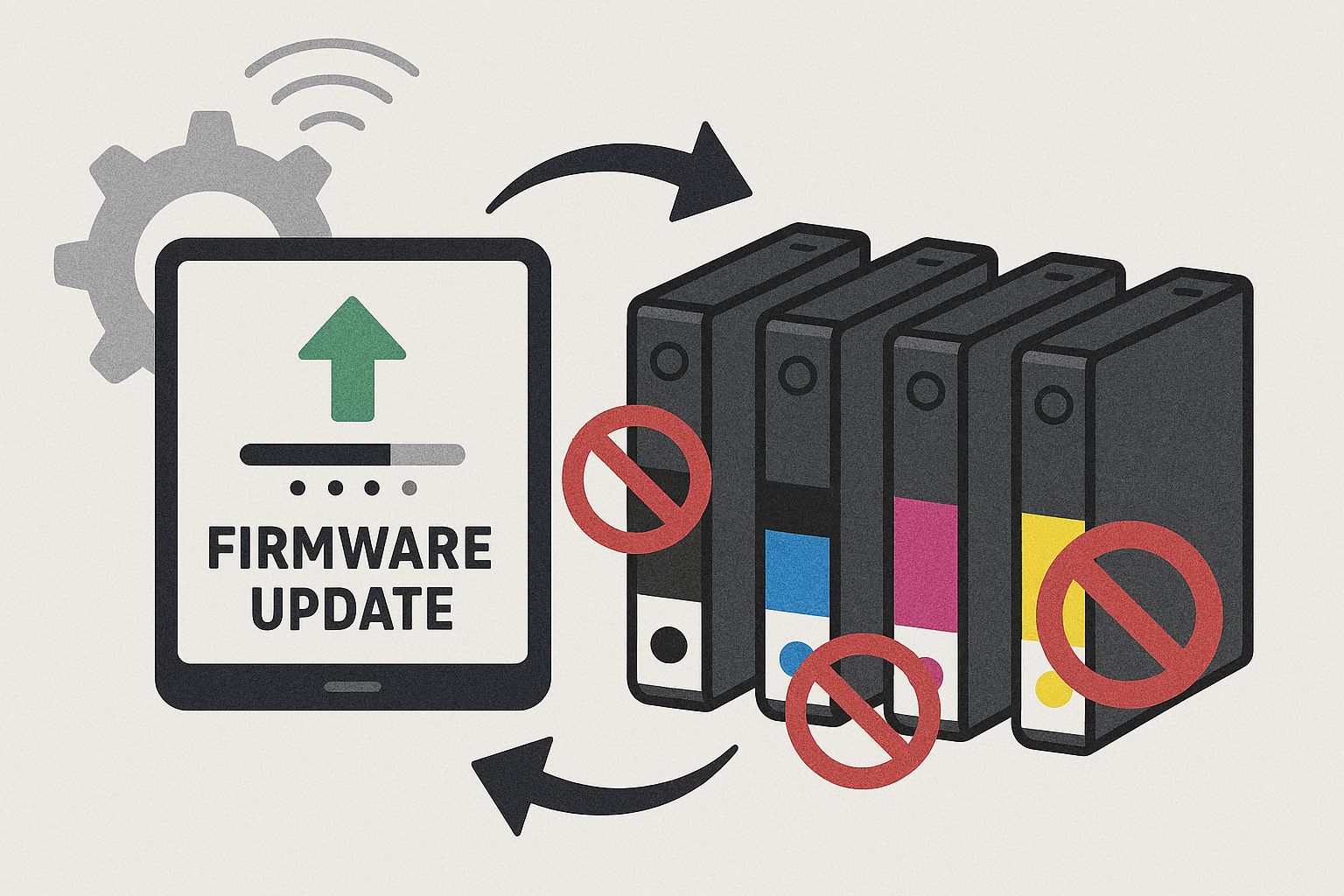
Firmware updates in printers are one of the main reasons a user installs a new toner or ink cartridge and suddenly the printer “doesn’t recognize it.” This is not a random malfunction nor a sudden drop in quality of compatible consumables. It is a change in the printer’s software rules.
To understand what is happening and how to protect yourself, we need to look at what firmware is, why it is updated, and how it interacts with compatible consumables.
What firmware is and why it is updated
Firmware is the internal software of the printer. It controls everything: from when printing starts to how toner or ink is recognized. Manufacturers update firmware for various reasons, such as stability improvements, bug fixes, security issues, or new features.
Within these updates, the method used to check the consumable chips often changes. And that is exactly where problems with compatible consumables begin.
How firmware “sees” consumables
Almost all modern toner and ink cartridges contain a chip. This chip does not affect print quality. It acts as an identity card. It tells the printer which consumable is installed, the theoretical ink or toner level, and whether its use is permitted.
When firmware changes, the “language” the printer uses to communicate with the chip may also change. As a result, a compatible consumable that worked perfectly until yesterday may suddenly appear as unrecognized.
Why problems appear suddenly
The most common scenario is this: the printer works normally, is connected to Wi-Fi, and at some point performs an automatic firmware update without the user noticing. The next time toner or ink is replaced, a message such as “incompatible cartridge” or “toner not recognized” appears.
The user assumes the new consumable is defective, while in reality the firmware has changed the way the chip is checked.
What “updated chip” means in compatible consumables
When you see the indication “updated chip” on a compatible toner or ink cartridge, it means that the consumable manufacturer has adapted the chip to be compatible with newer firmware versions.
It has nothing to do with quality, quantity, or page yield. It αφορά exclusively the printer’s ability to recognize the consumable after firmware updates.
In modern printers, especially professional or Wi-Fi models, updated chips are no longer optional. They are necessary.
Are compatible consumables to blame, or manufacturers’ policies?
Technically, compatible consumables work normally. The problem is not printing itself, but access control enforced through firmware. Printer manufacturers choose to strengthen these controls for commercial policy reasons.
That is why firmware updates almost exclusively affect compatible consumables and not original ones.
Should firmware updates be disabled?
There is no single answer for everyone. Firmware updates can fix real issues and improve security. On the other hand, they can create incompatibility with consumables you regularly use.
In professional environments, many choose to disable automatic updates and install them only when there is a specific reason. This helps avoid unpleasant surprises.
How to tell if the problem is firmware-related
There are some signs that almost always point to a firmware issue. The problem appears immediately after an update or reboot. The printer previously worked fine with compatible consumables and suddenly stopped. The message concerns recognition, not print quality.
In these cases, replacing the consumable with another of the same type usually does not solve the problem.
What users or businesses should pay attention to
The most important factor is choosing a supplier who actively monitors firmware changes and provides compatible consumables with updated chips. It is equally important to know whether your printer performs automatic updates and whether you can control them.
Firmware awareness is now part of proper printer management, not a technical detail.
The reality for the future
As printers become “smarter,” firmware updates will play an even bigger role. Compatible consumables are not disappearing—they are evolving. Updated chips are the result of this evolution.
Firmware updates do not make compatible consumables “bad.” They simply change the compatibility conditions. When a printer does not recognize new toner or ink, the issue is usually not the product, but a change in the printer’s software.
With proper information, the choice of compatibles with updated chips, and control over automatic updates, you can continue printing economically and without problems—without turning every consumable replacement into a gamble.


