

FREE SHIPPING on purchases over 50 €
*Valid for consumables
Which printer should I buy for home, office, or professional use? The ultimate buying guide
13/03/2026
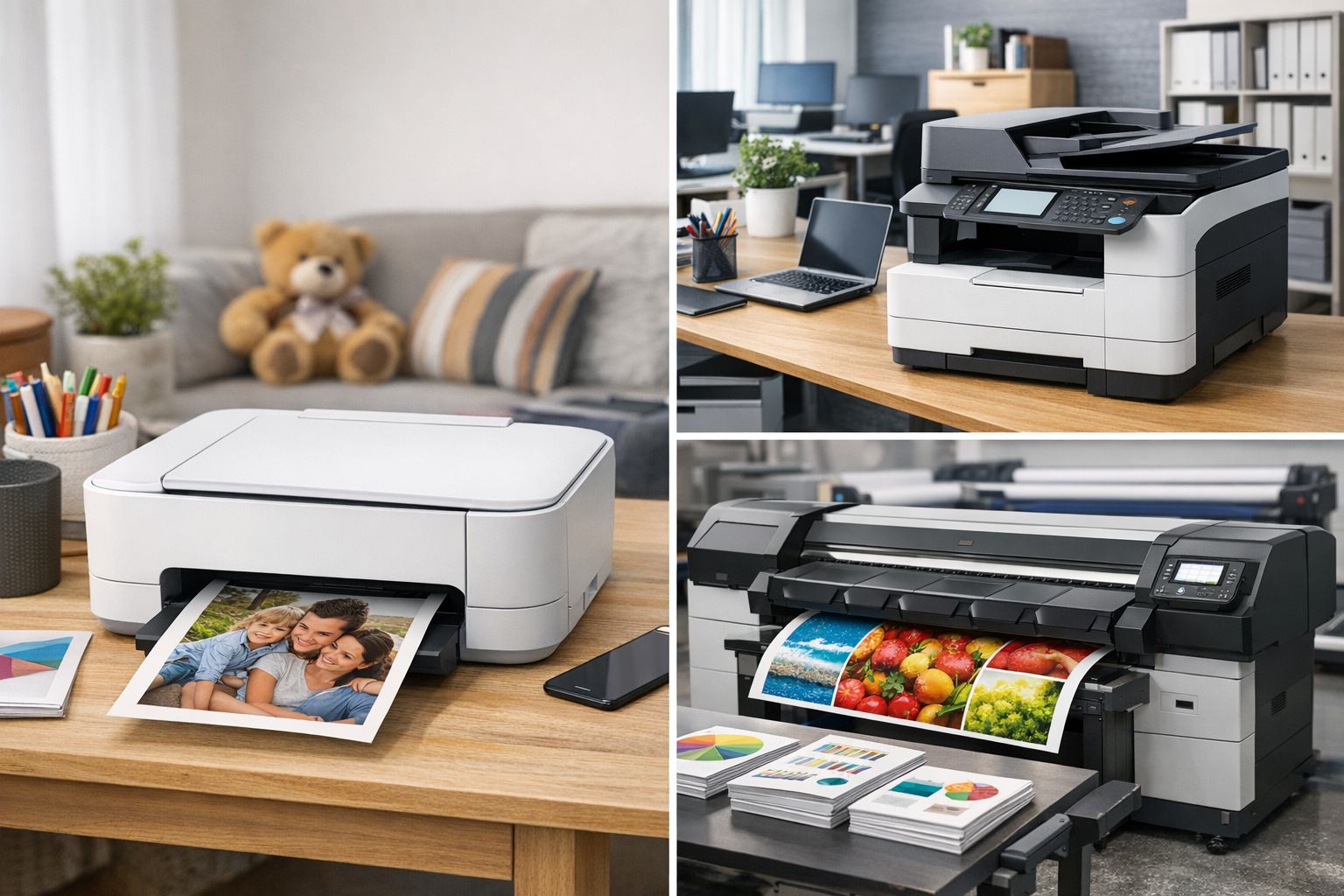
Buying a printer seems simple—until the moment you have to decide. Inkjet or laser? Single-function or all-in-one? Cheap to buy or economical to run? Most wrong choices don’t happen because users didn’t read the specs, but because they didn’t connect the printer to how they will actually use it.
This guide is the foundation for anyone looking for a printer for home, office, or professional use and wants to make a decision based on real everyday printing needs—not the marketing on the box. The goal is not just to buy a printer, but to avoid paying too much every time you replace ink or toner.
Before looking at models, look at your usage
The most important question is not “which printer is good,” but “what will I print and how often.” A printer that is ideal for a student may be completely unsuitable for an office. Likewise, a professional laser printer may be overkill for a home that prints 20 pages per month.
Print volume, whether you print mostly text or color, whether you need scanning and copying, and how much you care about cost per page—these are the real selection criteria.
Printer for home: low usage, simple needs
For home use, most printing involves documents, schoolwork, forms, tickets, or occasional color files. Volume is usually low and irregular, with periods of inactivity.
In this scenario, inkjet printers make sense due to their low purchase cost and good color quality. However, caution is needed. Very cheap inkjet models often lead to high ink costs, especially if used infrequently and performing frequent head cleanings.
For home use, it’s worth looking at printers with affordable consumables or XL options—not just a low device price. If you print rarely but want reliability, a small monochrome laser printer may prove more economical in the long run.
Printer for studies: lots of documents, focus on cost
Students print frequently, mostly black-and-white documents, notes, and assignments. Color quality is secondary, while cost per page is critical.
In this profile, monochrome laser printers excel. They offer consistent performance, are not affected by inactivity, and toners yield thousands of pages. The initial price may be slightly higher, but the cost efficiency is clear.
For those who also need scanning, a simple laser all-in-one fully covers the needs without unnecessary features.
Printer for office: stability and cost control
In an office environment, the printer is a production tool. It prints daily, often from multiple users, and any downtime creates problems. What matters is not only what it prints, but how reliably it does it.
Laser printers, monochrome or color, are the safest choice for offices. They offer speed, consistent quality, and predictable cost per page. Toners have a long lifespan and fewer failures compared to ink.
In office use, an all-in-one is not a luxury. Scanning, copying, and printing in one device save space and time.
Professional use: the printer as an investment
For professionals with high print volumes, a printer is not just a device—it’s part of the business operation. Accounting firms, technical offices, clinics, and businesses with daily document flow need durability, speed, and low cost per page.
In these cases, professional laser all-in-one printers with XL or jumbo toner capability are almost a one-way street. The initial investment is higher, but it pays off quickly through lower operating costs and fewer interruptions.
The choice should be based on consumables availability, compatibility with cost-effective toners, and overall support.
Laser or Inkjet? The real difference
The laser vs. inkjet dilemma cannot be solved with a single sentence. Inkjet printers excel in color and initial cost, but fall behind in stability and cost when usage increases. Laser printers excel in speed, durability, and cost per page, especially in black-and-white printing.
If you print little and occasionally, choose inkjet. If you print frequently and want predictability, choose laser. This logic covers 80% of cases.
Single-function or all-in-one?
The all-in-one has become the norm. For a small price difference, it offers scanning and copying—features you will eventually need. A single-function printer only makes sense when space is extremely limited or usage is very basic.
For home, studies, and office, an all-in-one is usually the most practical choice.
The common mistake: focusing only on price
The biggest trap is choosing a printer based on the lowest purchase price. A cheap printer with expensive consumables can cost many times more in the long run than a more expensive one with economical ink or toner.
The right question is not “how much does the printer cost,” but “how much will it cost me per 100 or 1,000 pages.”
How printer choice connects to consumables
Your printer choice determines the cost and availability of ink or toner for years to come. A printer with many compatible consumable options, XL or multipack, gives you flexibility and cost control. A printer with “locked” consumables limits you.
That’s why buying a printer and buying consumables are not two separate decisions—they are one unified strategy.
The right printer is not the one with the most features, but the one that fits how you print. For home: simplicity and economy. For studies: low cost per page. For office and professional use: reliability and consistency.
When you choose based on usage—not price—you save money, time, and frustration. And most importantly, you get a printer that works for you, not against you.


