

FREE SHIPPING on purchases over 50 €
*Valid for consumables
When Is the Toner at Fault and When Is the Printer Itself?
09/01/2026
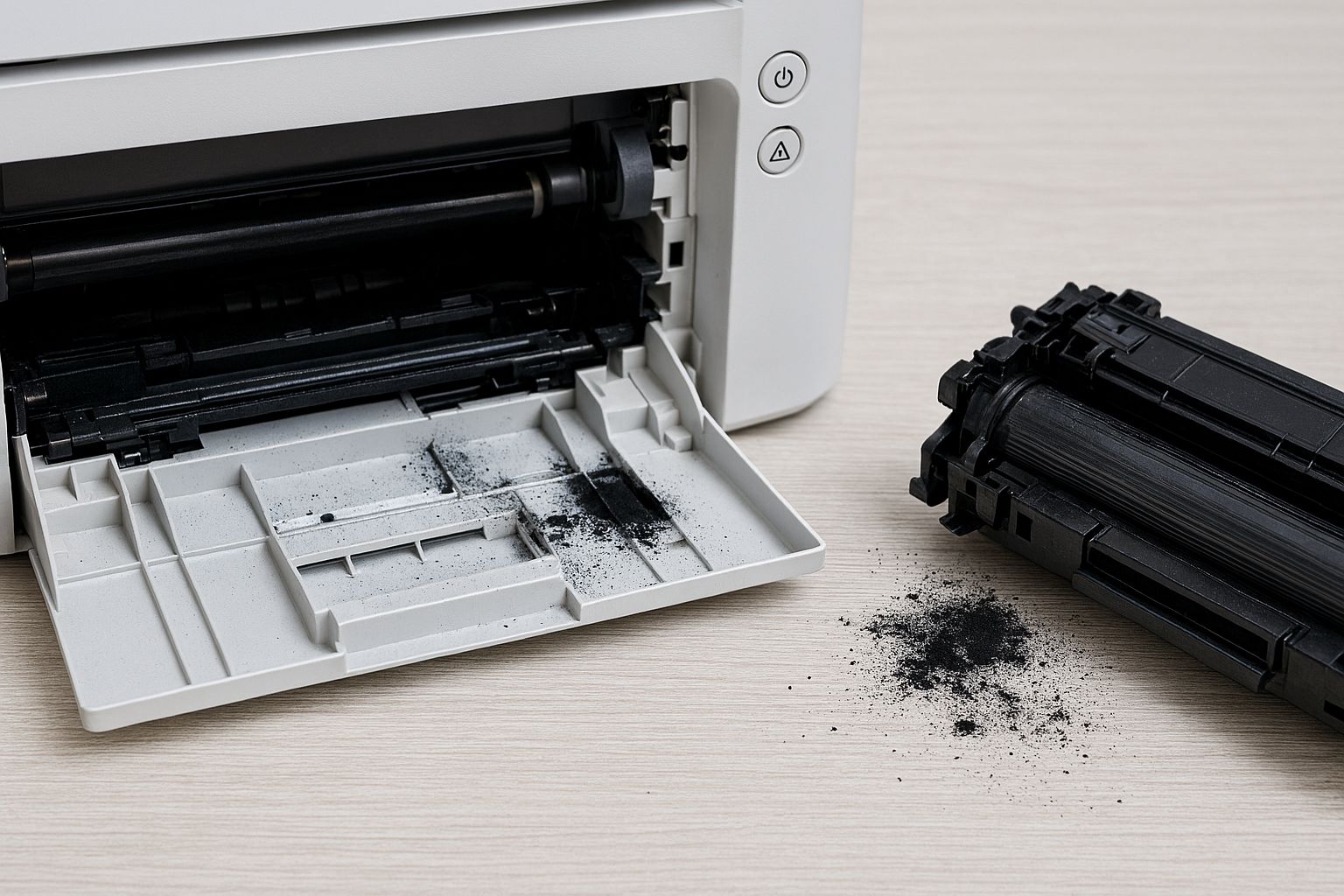
When something goes wrong with printing, the first reaction is usually “it’s the toner’s fault” or, conversely, “the printer is broken.” In practice, however, most problems can be diagnosed quite easily—even by non-technical users—if you know what to look for.
When the problem appears suddenly after changing the toner
If the printer was working normally and the issue started immediately after a toner replacement, the odds clearly point to the consumable or its installation. In such cases, it is usually a chip issue, poor contact, a protective seal that was not removed, or incompatibility due to firmware.
Typical signs include messages such as “toner not recognized,” “replace cartridge,” or a complete refusal to print, even though the toner is brand new. Very rarely is this an actual printer failure.
When printing works but the quality is poor
Lines, fading, blank spots, or uneven black output almost always indicate a consumable-related issue or a component directly associated with it. Low toner level, uneven powder distribution, or a worn drum lead to such results.
If the quality changes noticeably when you gently shake the toner or replace it, the diagnosis is clear: the problem is not the printer as a system, but the consumable.
When the printer does not print at all
If the printer powers on, receives the job, but does not start printing at all, you should check the message it displays. If it is a consumable error, this is usually stated clearly.
However, if you see general errors, freezes, or the printer does not respond to any job, the problem starts to point toward the device itself rather than the toner.
When the same toner works in another printer
A very useful—though not always available—diagnostic clue is whether the same toner works properly in another identical printer. If it does, the possibility of a defective toner is almost completely ruled out.
In this case, the issue is usually found in sensors, contacts, or the firmware of the specific printer.
When the problem persists with different toners
If you have tried more than one toner and the problem remains exactly the same, the likelihood clearly shifts toward the printer. It is not logical for different consumables to show the same symptom unless there is a common external factor.
In such cases, there may be wear in the drum unit, fuser, or internal sensors.
When problems are progressive
Issues that gradually worsen—such as increasing dullness, recurring lines in the same position, or uneven print temperature—indicate wear of printer components.
Toner usually causes sudden symptoms. The printer causes progressive ones.
What repeated patterns in printing mean
If you see lines or shadows repeating at a specific distance on the page, this is almost always a mechanical issue. Toner does not create perfectly repeating patterns. These usually come from the drum or the fuser.
This is one of the clearest signs that the problem cannot be solved by changing the consumable.
When it makes sense to change the toner without a second thought
If the toner is nearly empty, old, improperly stored, or shows unstable quality, replacing it is a logical first step. The cost is lower and the result is immediate.
In many cases, this completely solves the problem without further intervention.
When it makes no sense to insist on the toner
If the issue involves paper feeding, startup errors, unusual noises, or complete inability to operate, then the toner is not the culprit. Persisting with consumable replacements only increases cost without results.
Diagnosing between a toner issue and a printer issue does not require technical knowledge. It requires observing when the problem started, how it manifests, and whether it changes with consumable replacement.
In most cases, toner is responsible for quality and recognition issues. The printer is responsible for progressive, mechanical, or general operational errors. Knowing how to distinguish between them saves time, money, and unnecessary returns.


