

FREE SHIPPING on purchases over 50 €
*Valid for consumables
The Printer Doesn't Recognize the New Toner or Ink – Causes and Solutions
08/06/2026
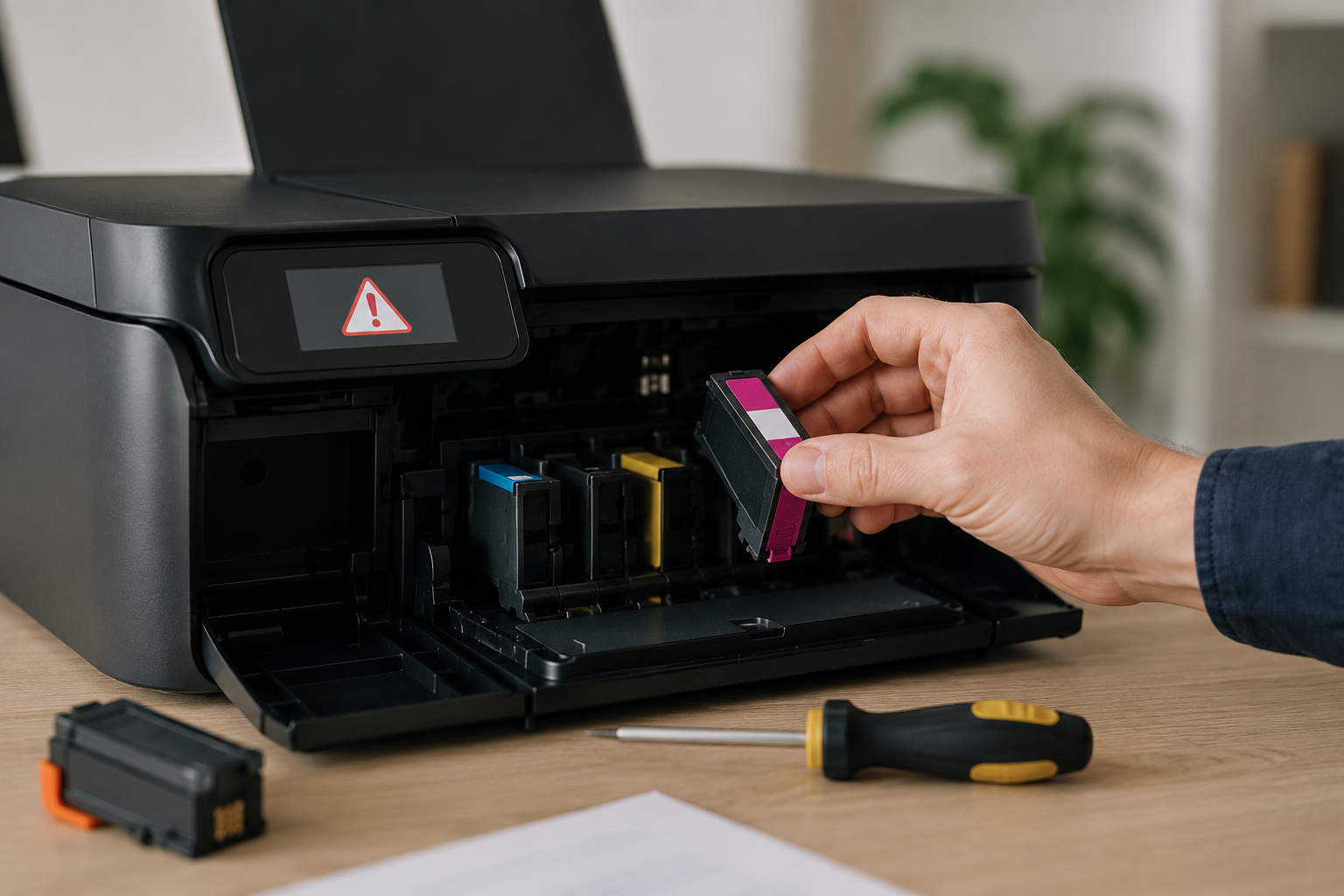
There is hardly anything more frustrating than installing a brand-new toner or ink cartridge only for the printer to insist that it is empty, incompatible, or simply not detected. This is one of the most common printing issues, and it rarely means that the consumable itself is defective.
In this guide, we explain the real reasons why a printer may fail to recognize a new toner or ink cartridge and what you can do to fix the problem without needing technical assistance.
First of All: It Doesn't Necessarily Mean the Consumable Is Faulty
The most common misconception is that the toner or ink cartridge is defective. In reality, most of the time the consumable is perfectly functional, but the printer refuses to accept it due to technical or software-related reasons.
Protective Seals Have Not Been Completely Removed
Many toner and ink cartridges include protective tapes, caps, or seals that prevent leaks during transportation. If even one of these remains attached, the printer may fail to recognize the cartridge or display an error message.
Checking that all protective elements have been removed should always be the first step, even if you are certain you already did so.
Incorrect Installation or Poor Contact
If the toner or ink cartridge is not seated correctly, the printer cannot communicate with it. This may happen if the cartridge has not been fully inserted, is slightly misaligned, or if dust and debris are interfering with the contacts.
Removing and reinstalling the cartridge with gentle but firm pressure often resolves the issue.
Firmware Updates and Chip Compatibility: The Most Common Cause Today
Modern cartridge recognition problems are frequently linked to printer firmware updates. After an update, the printer may require a different or newer chip on the toner or ink cartridge.
This explains why a cartridge that previously worked perfectly may suddenly stop being recognized, even when it is brand new. The issue is not the quality of the cartridge but the communication between the chip and the printer.
In such cases, a cartridge equipped with an updated chip may be required, especially if the printer is connected to the internet and receives automatic firmware updates.
The Printer Still Remembers the Previous Cartridge
Some printers store information about the previously installed toner or ink cartridge. This can result in incorrect status messages or warnings that the new cartridge is empty when it is not.
Completely powering off the printer, unplugging it for a few minutes, and then restarting it often clears this memory and allows proper cartridge recognition.
"Incompatible Cartridge" Message Despite the Correct Model
This scenario confuses many users. The cartridge model is correct, yet the printer continues to report that it is incompatible.
The most common causes are minor differences between model revisions, firmware requirements for newer chips, or regional restrictions found in certain printer series. This is usually not a purchasing mistake but rather a technical limitation.
When the Ink Has Dried Out Before Use
With inkjet printers, especially when cartridges have been stored improperly or exposed to extreme temperatures, ink flow problems may occur. The printer may then assume that the cartridge is not functioning correctly.
Running a printhead cleaning cycle from the printer's maintenance menu often restores proper ink flow and resolves the issue.
What to Do: Step-by-Step
The correct approach is not to immediately replace the cartridge. Always start by checking for protective seals, reinstalling the cartridge, and restarting the printer. If the issue appeared after a firmware update, verify whether an updated chip is required. Only if the problem persists should replacement be considered.
Following these steps resolves the vast majority of recognition issues.
When Professional Assistance Is Worth Considering
If the printer fails to recognize both the old and the new cartridge, displays general hardware errors, or repeatedly develops the same problem after firmware updates, the issue may be more complex.
In such cases, assistance from a specialized supplier or technician, along with properly updated consumables, becomes essential.
Conclusion
When a printer fails to recognize a new toner or ink cartridge, the problem is rarely a defective product. In most cases, it is related to installation, chip compatibility, firmware, or printer settings.
Understanding the real cause helps you avoid unnecessary expenses and incorrect assumptions. With the right troubleshooting steps, most issues can be resolved quickly and without technical support. That is exactly the purpose of proper printer maintenance: preventing small issues from turning into major headaches.


