

FREE SHIPPING on purchases over 50 €
*Valid for consumables
How to Reduce Printing Costs by up to 70–90% Without Compromising Quality
17/04/2026
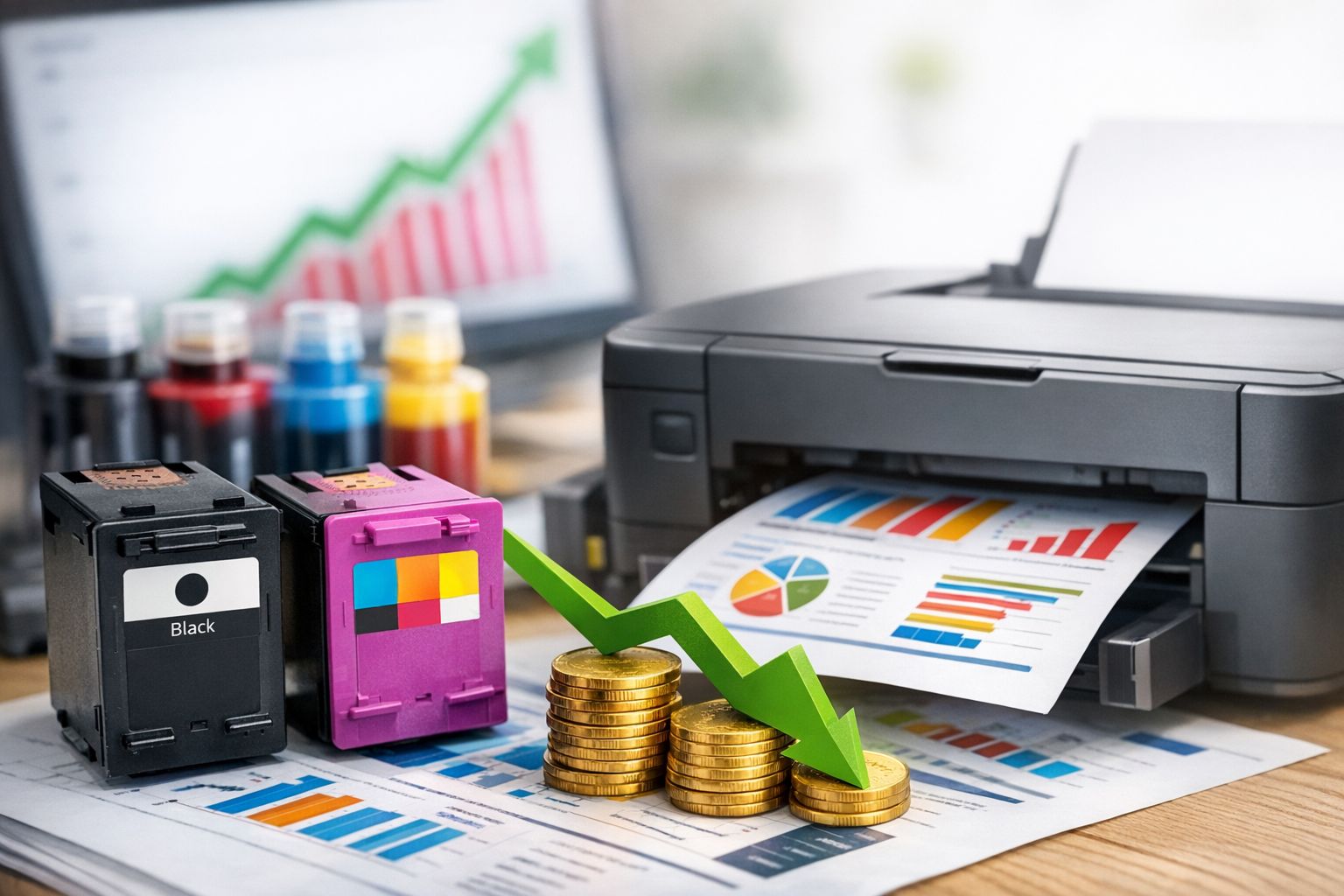
Printing costs are one of the most hidden expenses for both professionals and home users. They don’t seem significant at first, but they quietly accumulate month after month through ink, toner, paper, poor printer choices, and incorrect settings. As a result, many users end up paying far more than necessary—without even realizing it.
Reducing printing costs by up to 70–90% is not an exaggeration or a marketing claim. It’s the result of smart decisions and small changes that don’t affect quality where it truly matters.
The Biggest Mistake: Focusing Only on Purchase Price
The most common cause of high printing costs is choosing a printer based solely on its low purchase price. A cheap printer with expensive consumables often becomes one of the most costly options in the long run.
The real cost lies not in the device, but in the cost per page. If this isn’t considered from the start, no later savings can fully compensate for it.
Compatible Consumables: The Biggest Source of Savings
Certified compatible inks and toners are the main reason cost reductions of up to 70% or more are achievable. This is not an inferior solution, but a mature technology widely used in professional environments.
For documents, invoices, reports, and everyday printing, the quality is practically identical, while the cost per page drops significantly. The key is choosing a reliable supplier—not simply the cheapest option.
XL, Jumbo & Multipacks: Long-Term Savings
XL and Jumbo consumables are not just “bigger.” They offer a lower cost per page and require fewer replacements, saving both time and money.
Multipacks are especially efficient for users who rely on all colors. They reduce the cost per unit and prevent fragmented purchases that usually cost more.
In professional environments, combining compatible consumables with XL or multipacks can reduce printing costs by up to 90% compared to standard original supplies.
Choosing the Right Printer: The Foundation of Savings
You can’t reduce printing costs if your printer doesn’t match your usage. Inkjet printers for high-volume black-and-white printing are almost always expensive. Laser printers for occasional color use may be excessive.
Matching the right printer to your needs is one of the most powerful ways to save. For frequent document printing, a laser printer with cost-efficient toner is usually the best choice. For low volume with color needs, an inkjet can be sufficient—especially if XL options are available.
Print Settings: Hidden Savings Without Sacrifice
Many users print in high quality by default, even when it’s unnecessary. “Draft” or “Eco” mode significantly reduces ink or toner usage, and for text documents, the difference in readability is minimal.
Duplex (double-sided) printing instantly cuts paper costs in half. In professional settings, this setting alone can lead to substantial savings.
You Print Less Than You Think—But Pay More
A common misconception is: “I don’t print much, so it doesn’t matter.” Even 200–300 pages per month, when printed with the wrong consumables and settings, can cost disproportionately more.
Savings are not only about high volume—they’re about controlling every print.
A Balanced Strategy: Not All Premium, Not All Economy
The most effective approach isn’t “everything cheap” or “everything premium.” It’s the right combination. Use draft mode for internal documents and standard quality for professional communication. Use XL for daily needs and standard cartridges only when no alternative exists.
This way, you maintain quality where it matters and reduce costs where it doesn’t.
The Real Benefit Appears Over Time
Printing cost reduction is not immediate—it becomes evident over three, six, and twelve months. That’s when you notice lower expenses, fewer replacements, and more predictable printer performance.
This is where “up to 90%” stops being theory and becomes reality.
Reducing printing costs doesn’t require compromising on quality. It requires knowledge, smart choices, and intentional settings. High-quality compatible consumables, XL or multipacks where needed, the right printer for your usage, and optimized print settings make all the difference.
When you focus on cost per page instead of just purchase price, printing stops being a “black hole” expense and becomes a controlled, efficient tool—whether at home or in business.
Print smart, not expensive. At PrintKing, we don’t just sell consumables—we provide the solution to reduce your cost per page without sacrificing quality. Discover a wide range of updated chip consumables and Jumbo packs for every printer.


