

FREE SHIPPING on purchases over 50 €
*Valid for consumables
Smart Printers & Cloud Printing: What’s Changing in the Office
10/04/2026
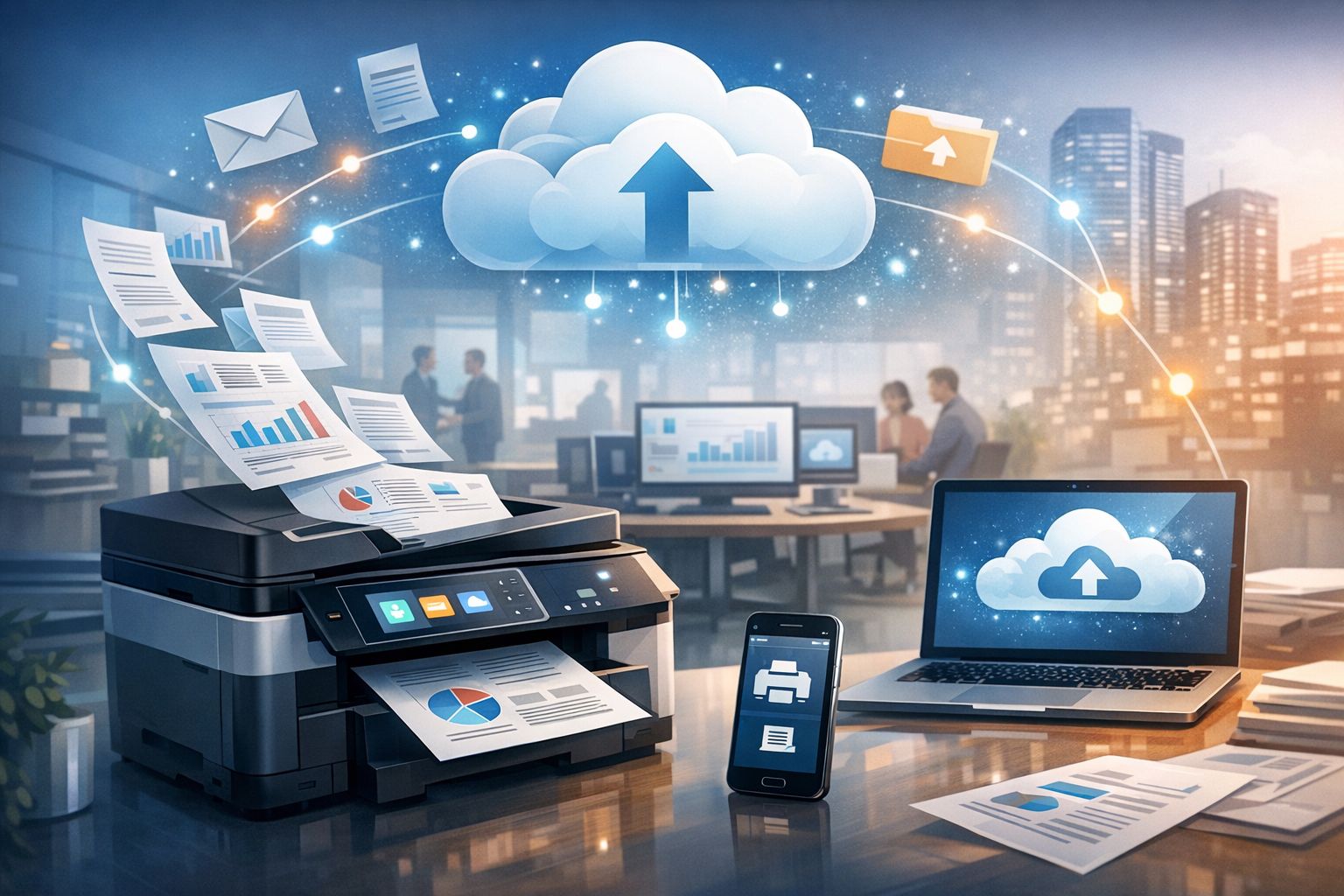
Office printers are no longer just “machines that print.” They are now connected to networks, receive jobs from mobile devices and laptops, integrate with cloud platforms, and—most importantly—are part of the same security and policy framework as email, files, and user access. This fundamentally changes both daily workflows and the real operating cost.
What a “Smart” Printer Really Means
A smart printer is not just about having a touchscreen or Wi-Fi. It means the printer includes built-in software, user management capabilities, access to network services, and frequent firmware updates.
In many cases, it functions as an IT endpoint, with security settings, logs, access policies, and mobile printing support.
In practice, this means less dependence on a single computer, easier printing from multiple devices, and better control over who prints what.
Cloud Printing Today: Beyond Google Cloud Print
Classic Google Cloud Print has been discontinued, so modern cloud printing relies on newer solutions.
A key example is Microsoft Universal Print, which enables cloud-based print management, reducing the need for traditional print servers and simplifying IT administration.
At the same time, for everyday printing from mobile devices, driverless standards (AirPrint for Apple, Mopria/Default Print Service for Android) have become the norm.
How Office Workflow Changes
The first major benefit is device-agnostic printing. Users no longer need a specific PC with the “right driver” to print. With driverless printing (AirPrint/Mopria) or centralized cloud management, common issues like “printer not found” are minimized.
Secondly, printing integrates into workflows: scan-to-email, scan-to-folder, cloud storage, and automation of basic processes.
This is especially valuable in accounting firms, law offices, and educational centers where documents constantly move.
Security: Where Smart Offices Win or Lose
Once a printer becomes a networked, cloud-enabled device, it also becomes a potential security risk.
Access control and print policies shift from loose settings to centralized management: who can print, from where, with what permissions, and what logs are kept.
In structured environments, cloud printing solutions make this control easier through centralized systems.
What This Means for Costs
Smart printing and cloud solutions reduce hidden costs: IT time, lost hours due to driver or connection issues, and unnecessary printing.
By applying simple policies—like default duplex printing, draft mode for internal documents, and basic user control—businesses reduce not only ink/toner costs but also overall operational inefficiencies.
Driverless Printing from Mobile and Laptop
On Apple devices, AirPrint allows printing without installing drivers, as long as the printer and device are on the same Wi-Fi network.
On Android, Mopria or the Default Print Service provides similar functionality for compatible devices.
For offices using laptops, tablets, and smartphones, this means fewer installations, fewer compatibility issues, and faster workflows.
Consumables in a Smart Environment
As printing becomes more cloud-based, choosing reliable consumables becomes even more important.
In many printer models, firmware updates can affect cartridge or toner recognition—something offices must monitor, especially when using compatible products.
This is why updated chip solutions are increasingly common in the consumables market.
Smart printers and cloud printing transform the office on three levels: they simplify printing from any device, raise the bar for security, and shift management from local fixes to centralized control.
With the right printer and print policies, the result is fewer problems, better control, and lower real costs.
Modernize your office with smart solutions! At Printking, you’ll find top smart printers and reliable consumables (toner & ink) with updated chips for full compatibility and uninterrupted cloud printing.


